☀️
Buka Profil

Langkah 1: Buka Profil Alight Motion

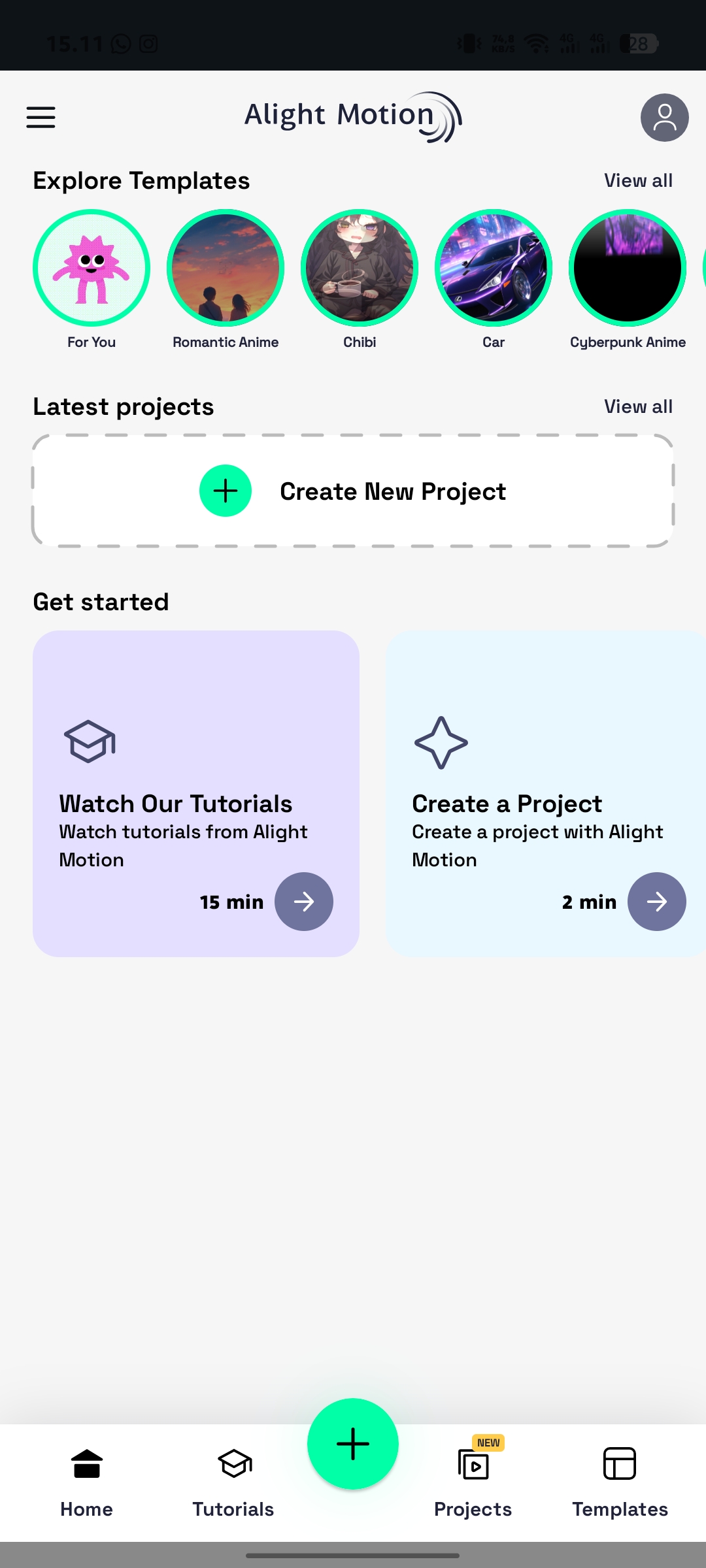
Buka aplikasi Alight Motion, lalu masuk ke menu Profil yang berada di pojok kanan atas layar.

Step 1: Open Alight Motion Profile

Open the Alight Motion application, then go to the Profile menu located at the top right corner of the screen.
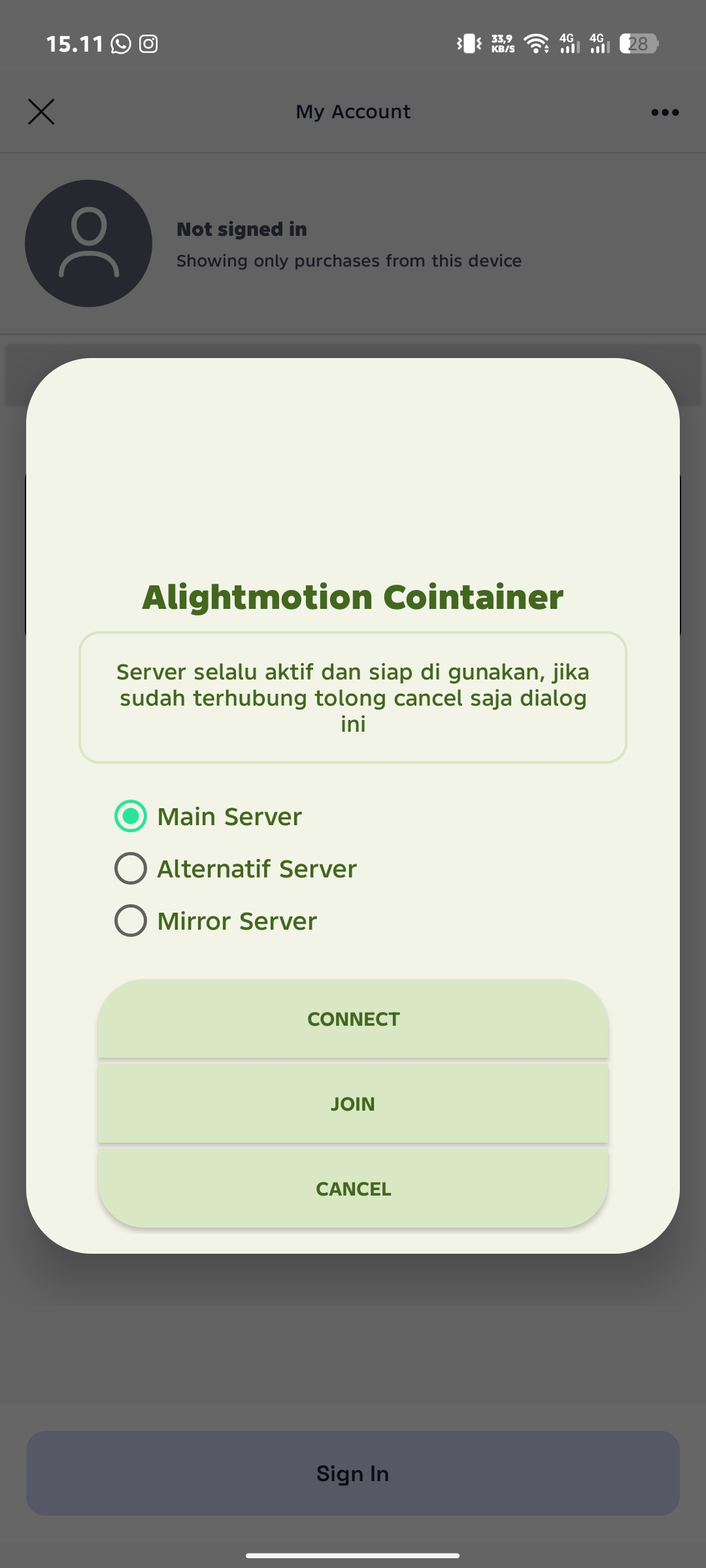
Connect Main Server

Langkah 2: Hubungkan ke Main Server

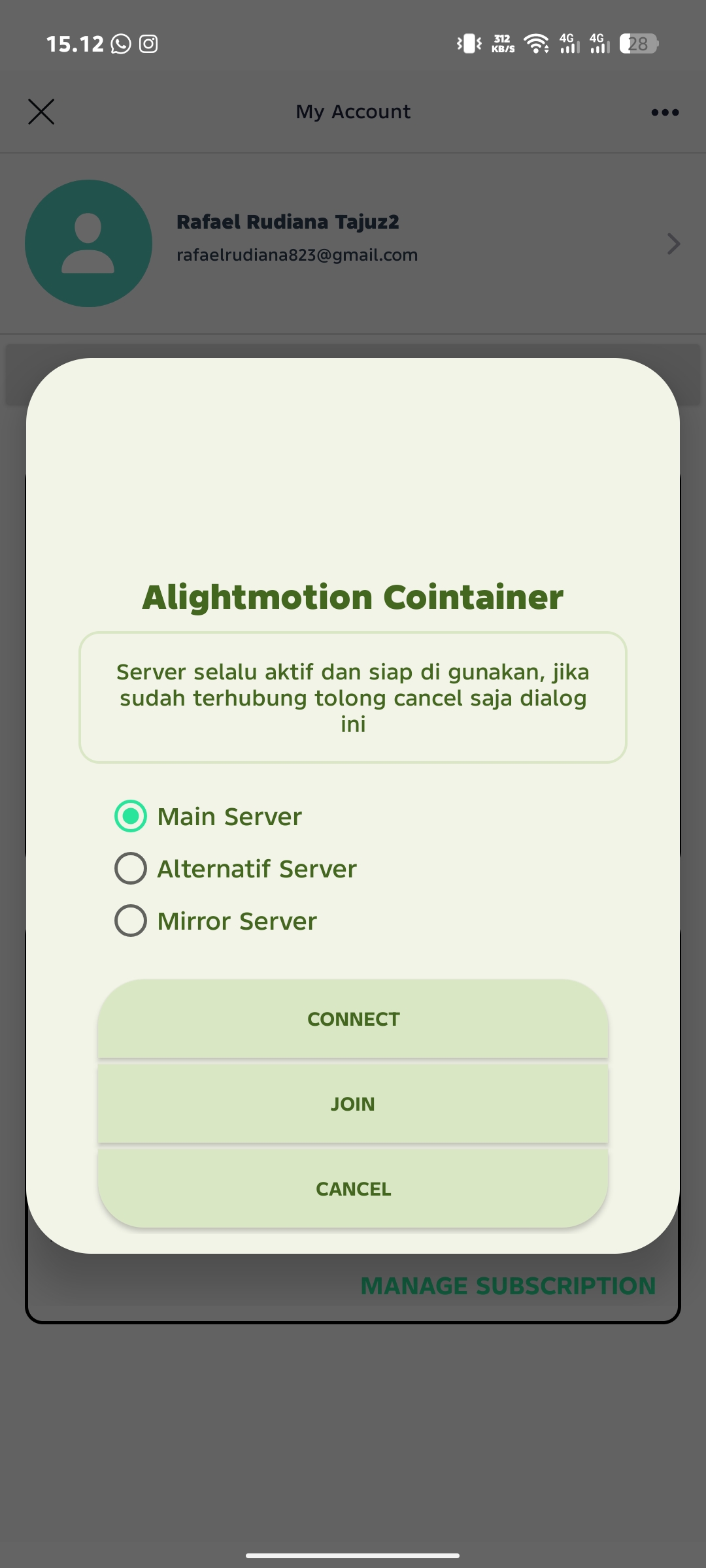
Jika muncul notifikasi Alight Motion Container, pilih opsi Main Server lalu klik tombol Connect untuk menghubungkan ke server.

Step 2: Connect to Main Server

If the Alight Motion Container notification appears, select Main Server and tap the Connect button.

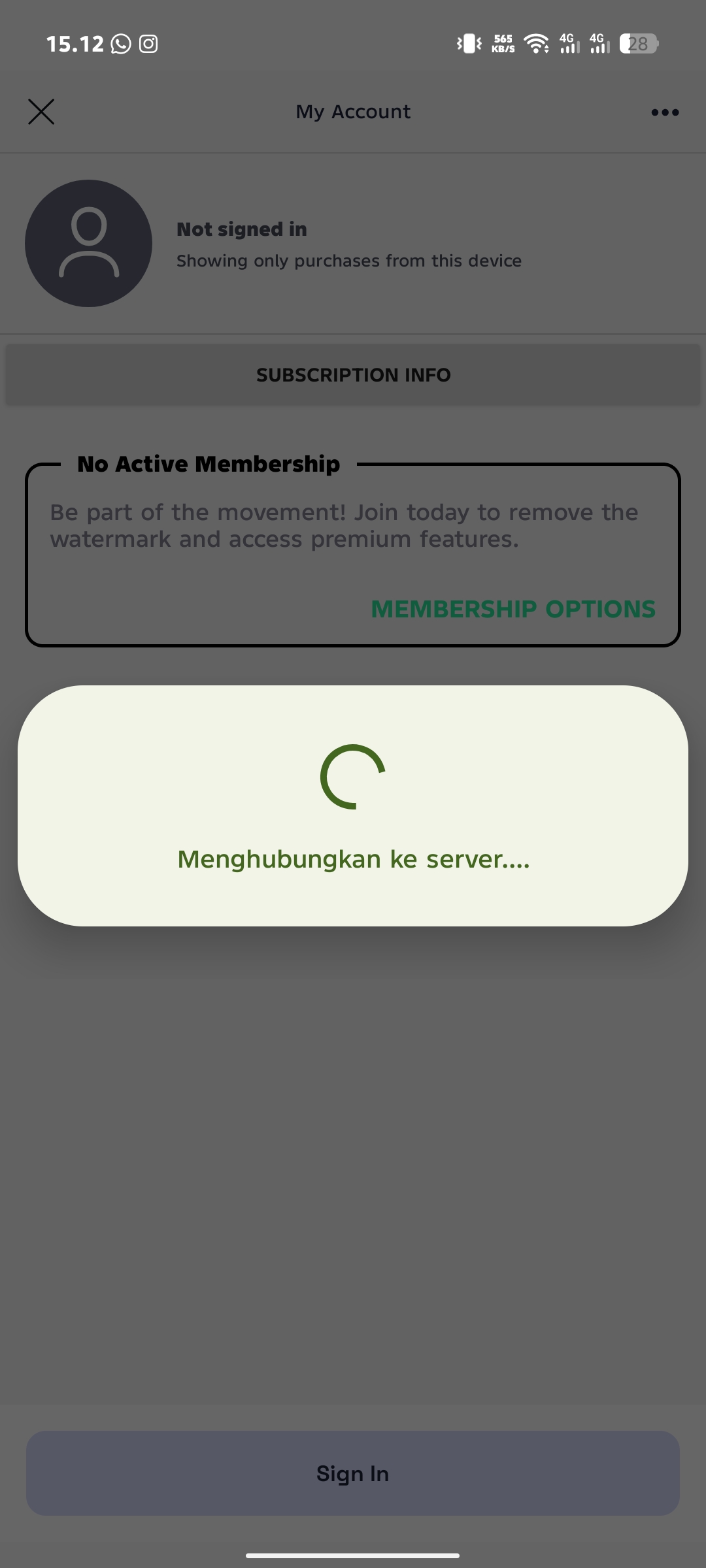
Tunggu Koneksi

Langkah 3: Tunggu Proses Koneksi

Tunggu beberapa saat hingga proses penghubungan ke server selesai. Pastikan koneksi berjalan dengan normal.

Step 3: Wait for Server Connection

Please wait a few moments while the app connects to the server. Make sure the connection is successful.

Restart Aplikasi

Langkah 4: Restart Aplikasi

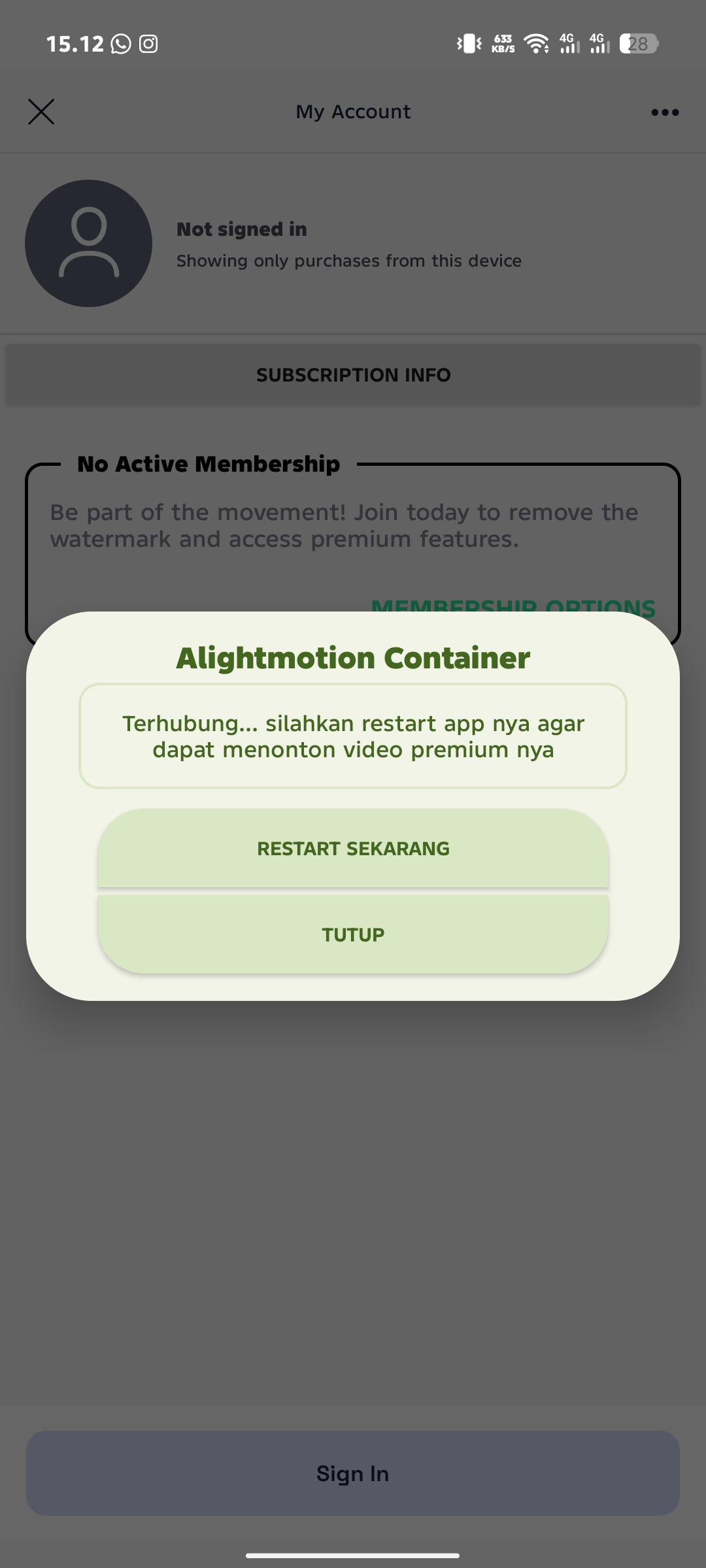
Jika muncul notifikasi seperti pada gambar, klik Restart Sekarang untuk memulai ulang aplikasi Alight Motion.

Step 4: Restart the Application

When a notification like the one shown in the image appears, tap Restart Now to restart the application.

Masuk Profil Lagi

Langkah 5: Masuk Kembali ke Profil

Buka kembali aplikasi Alight Motion dan masuk lagi ke menu Profil. Jika muncul notifikasi tambahan, klik Cancel saja.

Step 5: Open Profile Again

Open Alight Motion again and go back to the Profile menu. If another notification appears, simply tap Cancel.

Premium Aktif

Langkah 6: Premium Berhasil Aktif

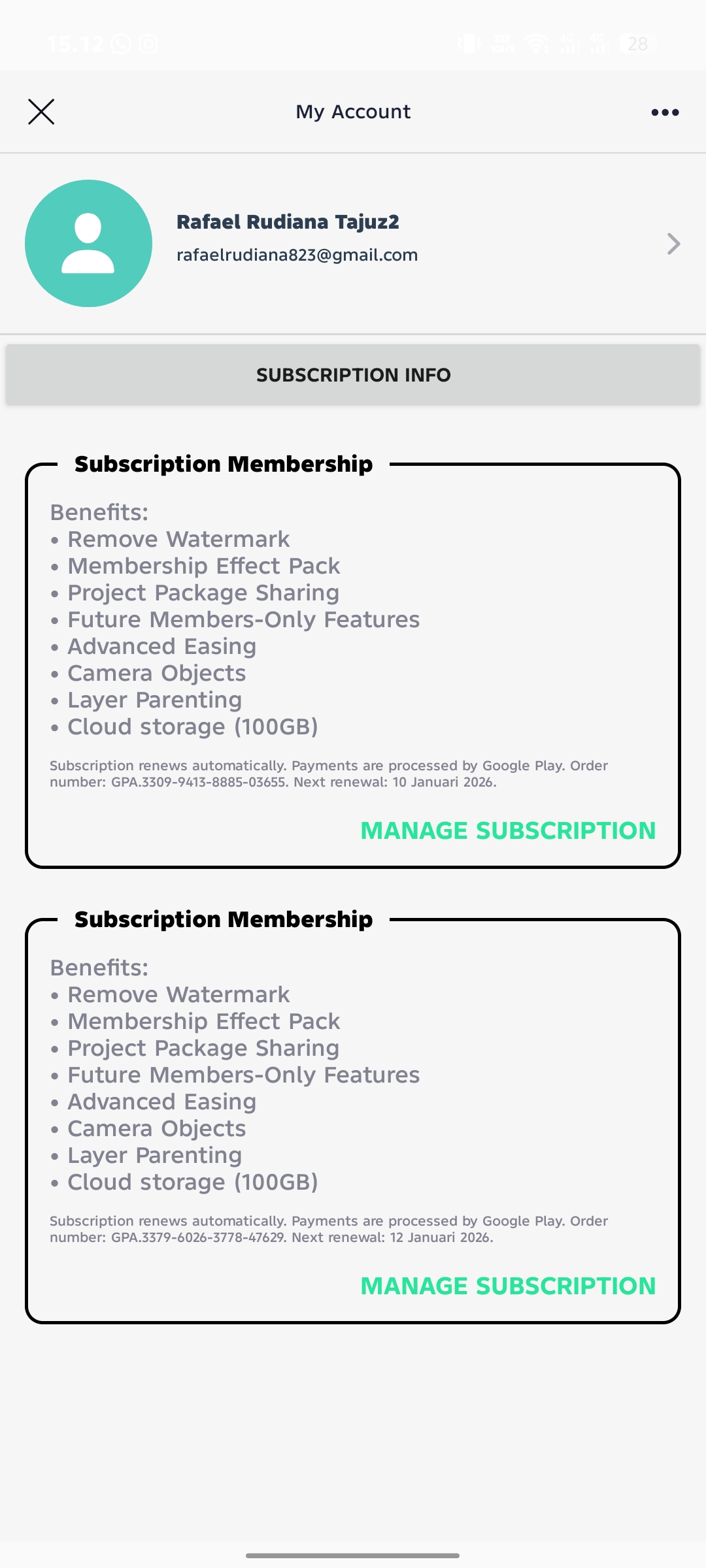
Selamat! Alight Motion kamu sudah berhasil menjadi Premium. Semua fitur premium kini dapat digunakan.

Step 6: Premium Activated Successfully

Congratulations! Your Alight Motion is now Premium. Enjoy all premium features.